
SEO
Google Business Profile Optimization Guide (2026): Get More Local Customers
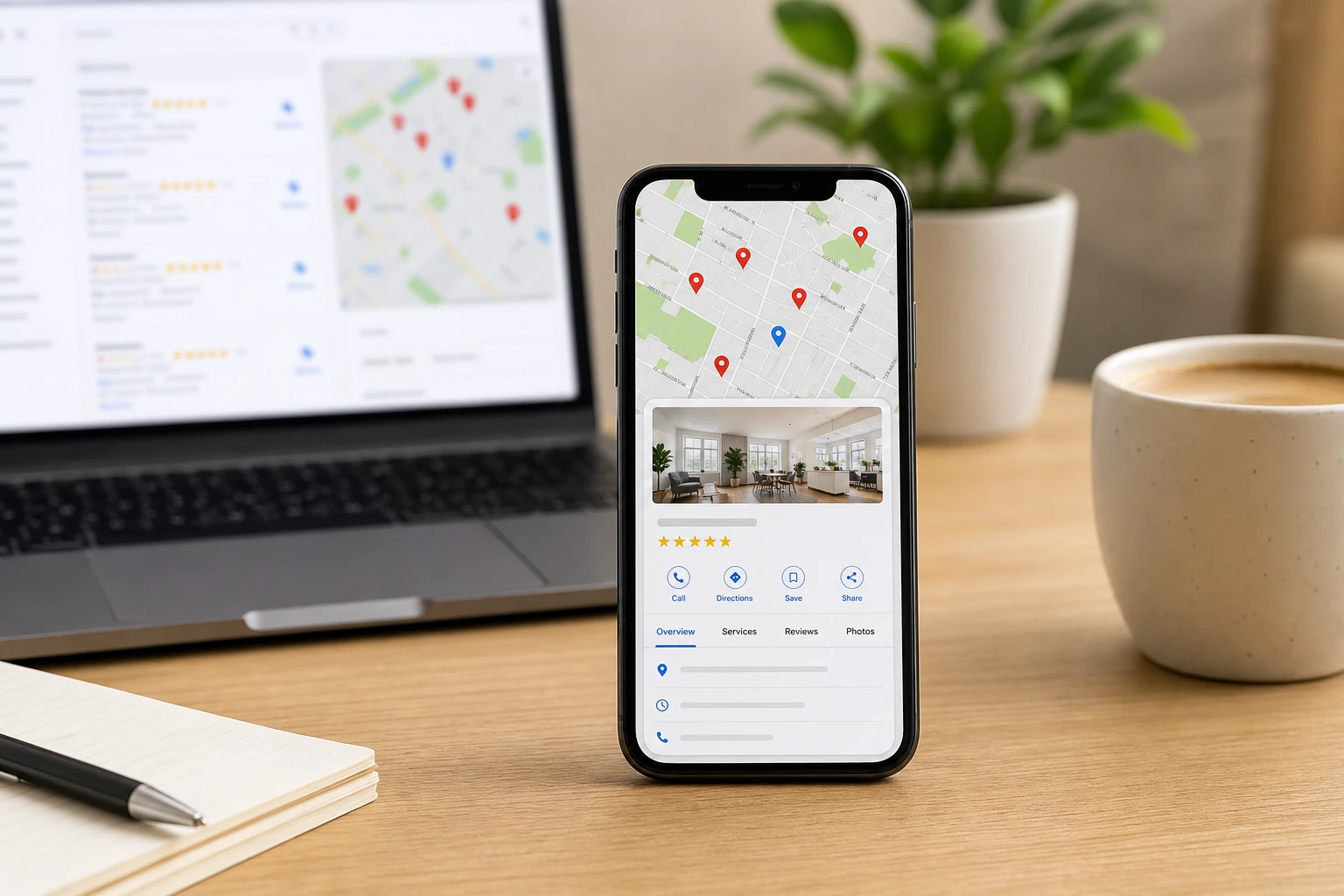
Imagine someone searches for a website developer near me, a restaurant in Jaipur, an interior designer in Alwar, or a digital marketing agency nearby. What appears before most websites? Google Business Profiles.
If your business isn't optimized for Google Search and Google Maps, you're likely missing customers who are actively looking for the services you offer. In this guide, we'll explain how to optimize your Google Business Profile (GBP) in 2026 and improve your local visibility.
What is Google Business Profile?
Google Business Profile (formerly Google My Business) is a free tool that lets businesses manage how they appear on Google Search and Google Maps.
A well-optimized profile displays:
- Business name
- Address
- Phone number
- Website
- Business hours
- Photos
- Reviews
- Services
- FAQs
- Directions
Think of it as your business's digital storefront on Google.
Why every local business needs it
More than ever, customers rely on Google before making a purchase. Whether you're a restaurant, doctor, gym, salon, retail shop, consultant, or website development company — people search online before contacting you.
If your profile is complete and optimized, Google is more likely to recommend your business in local search results and the local map pack.
Benefits of Google Business Profile
Get found on Google Maps. Most local searches happen on Google Maps. A complete profile increases your chances of appearing in nearby searches when customers are ready to buy.
Build customer trust. Customers trust businesses that have photos, reviews, business hours, a website, and verified contact details. An incomplete profile often looks inactive or unreliable.
Drive more website visitors. Adding your website allows potential customers to learn more about your business before contacting you. A Google Business Profile and a professional website work best together.
Generate more calls and leads. Customers can call directly, get directions, visit your website, and send enquiries — all from your Google listing without leaving search results.
How to optimize your Google Business Profile
1. Verify your business
A verified business appears more trustworthy and gains access to additional features like insights, posts, and messaging. Complete verification as soon as you create or claim your profile.
2. Choose the right categories
Your primary category tells Google what your business does. For example: Website Designer, Software Company, or Marketing Agency. Choose secondary categories only if they accurately reflect your services — incorrect categories can hurt relevance.
3. Complete every section
Don't leave information blank. Include your business description, website, phone number, services, business hours, and service areas. The more complete your profile, the better Google understands and recommends your business.
4. Upload high-quality photos
Businesses with photos receive more engagement. Add images of your office, team, products, completed projects, and branding. Update them regularly — fresh photos signal an active business.
5. Collect customer reviews
Positive reviews improve credibility and local rankings. After completing a project, politely ask your customers to leave a review. Always reply to reviews — both positive and negative — to show you value feedback.
6. Keep information updated
Changed your phone number? Moved office? Updated business hours? Update your profile immediately. Incorrect information frustrates customers and can reduce trust and rankings.
Why your website still matters
Many businesses think a Google Business Profile is enough. It isn't. Your profile helps customers discover you. Your website helps convince them to choose you.
A professional website allows customers to:
- Learn about your services in detail
- View your portfolio and case studies
- Read blog articles that answer their questions
- Submit enquiries through contact forms
- Contact you anytime, even outside business hours
Together, your website and Google Business Profile create a powerful online presence. Local SEO and digital marketing strategies work best when both are optimized.
Common mistakes businesses make
- Using low-quality or outdated images
- Not verifying the profile
- Ignoring customer reviews
- Leaving sections incomplete
- Never posting updates or offers
- Not linking to a professional website
Avoiding these mistakes can significantly improve your visibility in local search and Google Maps.
Final thoughts
Google Business Profile is one of the easiest and most effective ways to improve your local visibility. But remember: a great Google Business Profile attracts attention, and a great website converts visitors into customers.
Businesses that combine both are far more likely to grow their online presence and generate consistent leads.
At Ruyams, we help businesses build a strong digital presence through website development, e-commerce solutions, SEO and local SEO, Google Business Profile optimization, branding, and custom software development. Whether you're launching a new business or improving an existing one, book a free consultation — we're here to help you Build. Launch. Grow.
Frequently Asked Questions
Is Google Business Profile free?
Does a Google Business Profile improve SEO?
Can I have a Google Business Profile without a website?
How long does Google Business Profile verification take?
How often should I update my Google Business Profile?
Ready to Build Something Great?
Let's talk about your project. No commitment, no pressure — just a conversation about your goals.